Release - SOFA Robotics v25.12
· 3 min read


Highlights
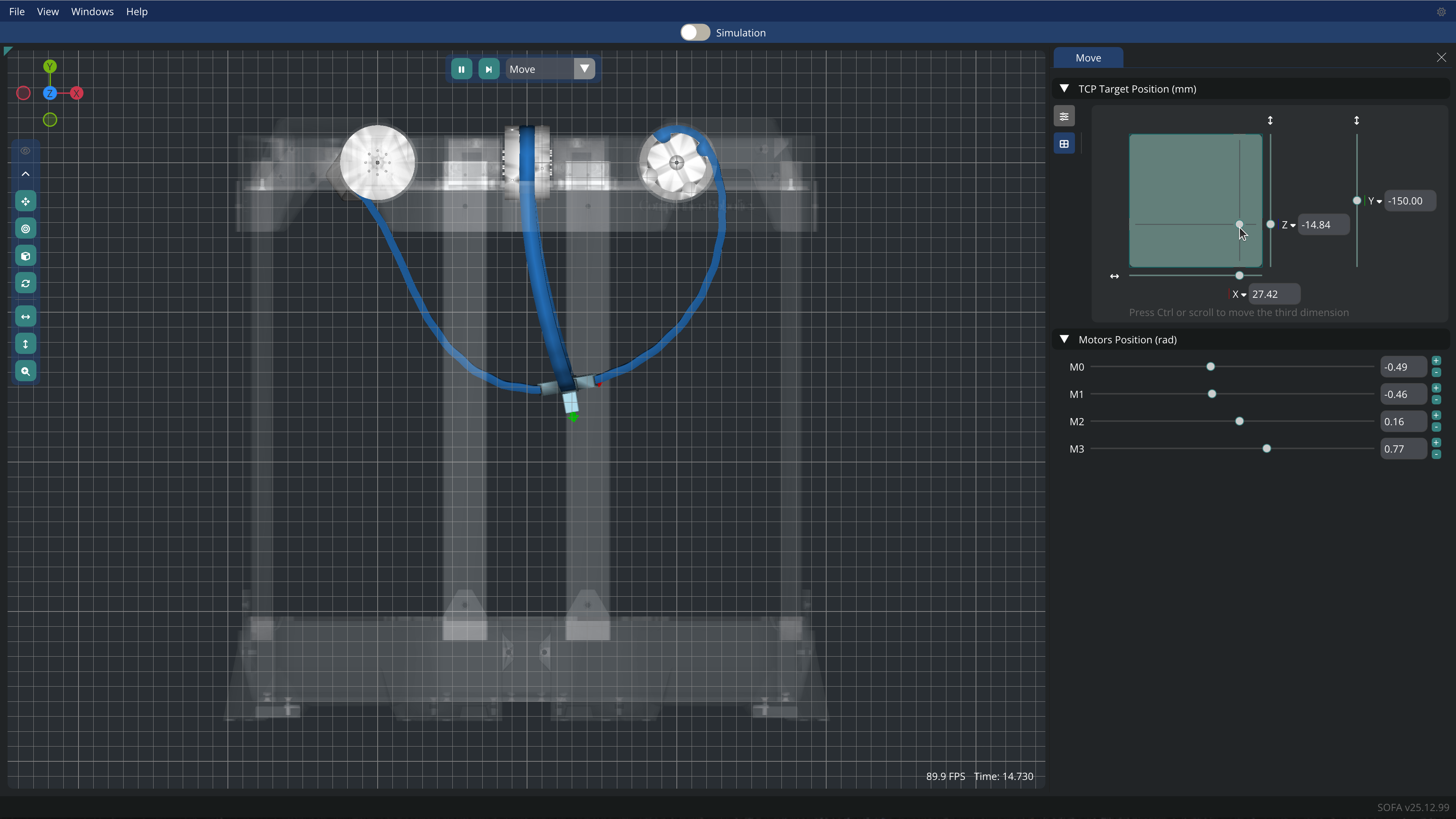
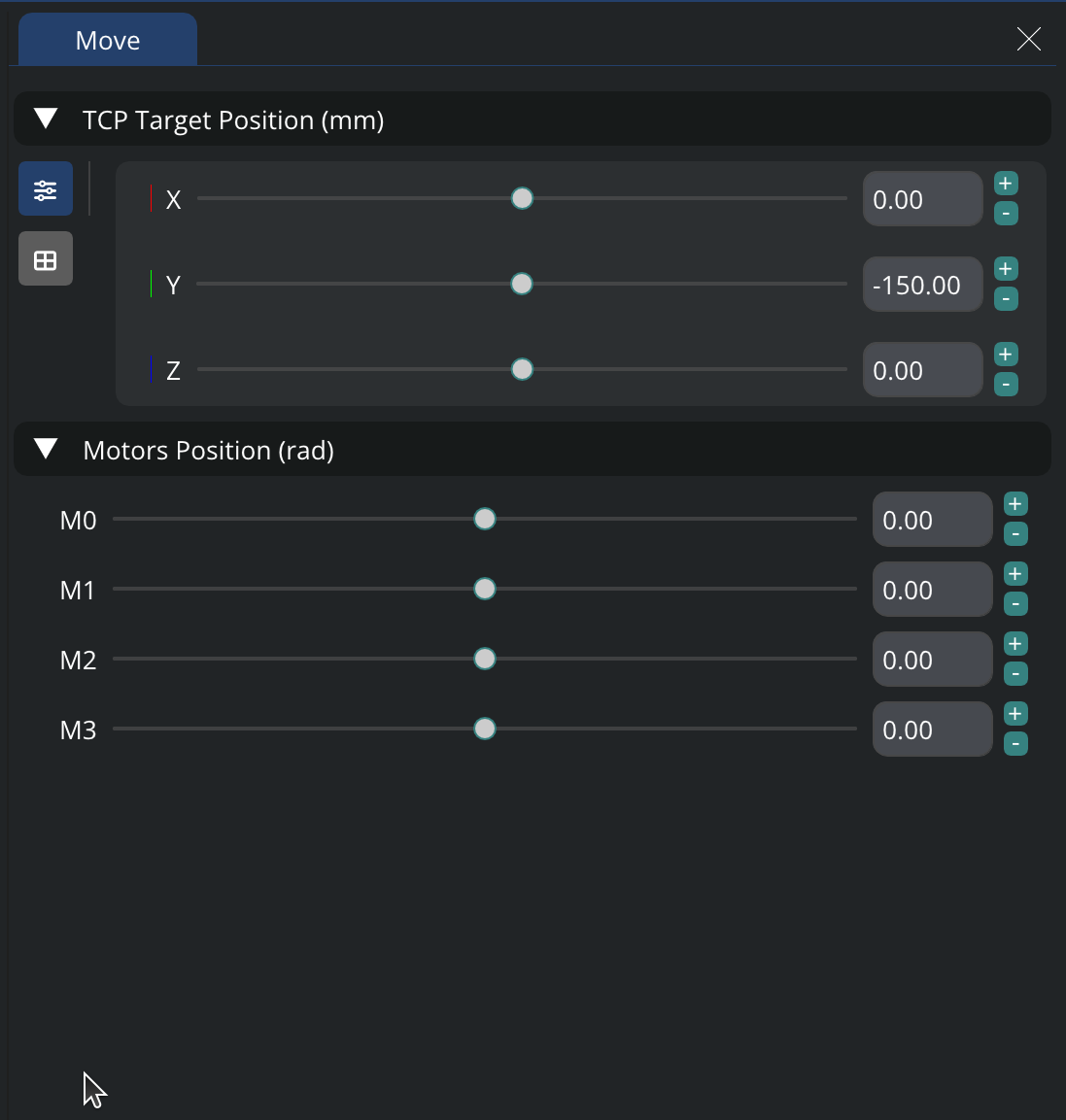
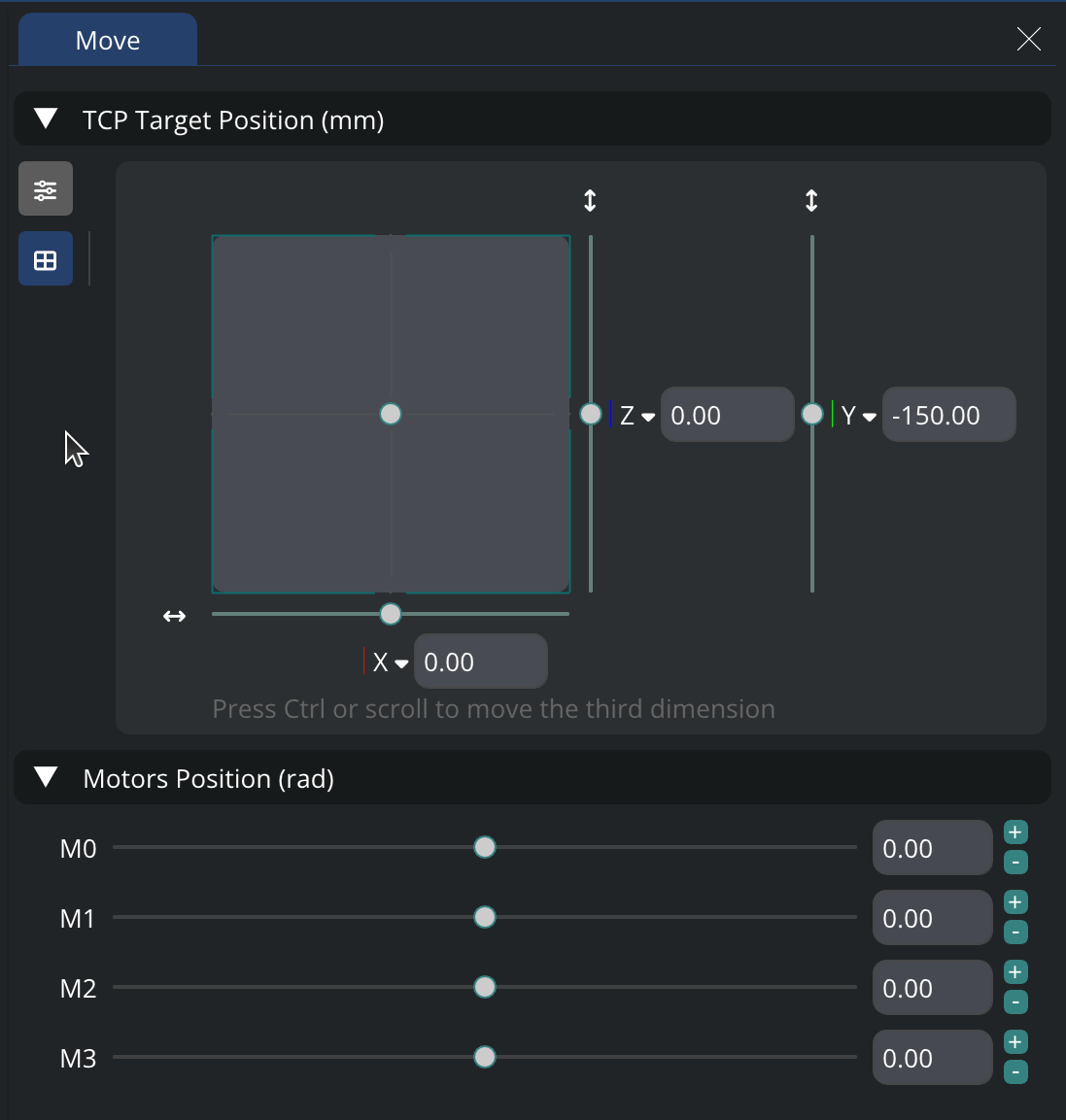
✨ A New Interface to Move the Robot
You can now use a 2D pad to move the robot. This pad is available in the Move window. Choose the axes you want to control with the pad, and also choose the direction.
✨ Save your project
You can now save your project as a .crproj file. This file contains a lot of information about your project, such as the windows you have opened, and the settings you have configured.
✨ New features
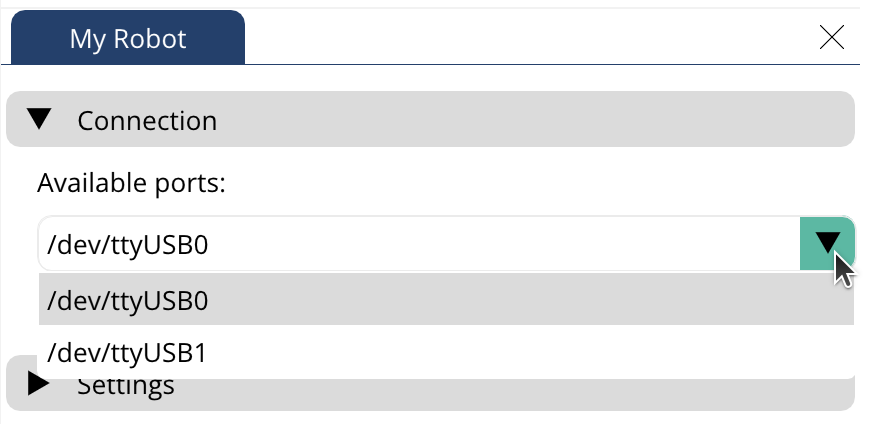
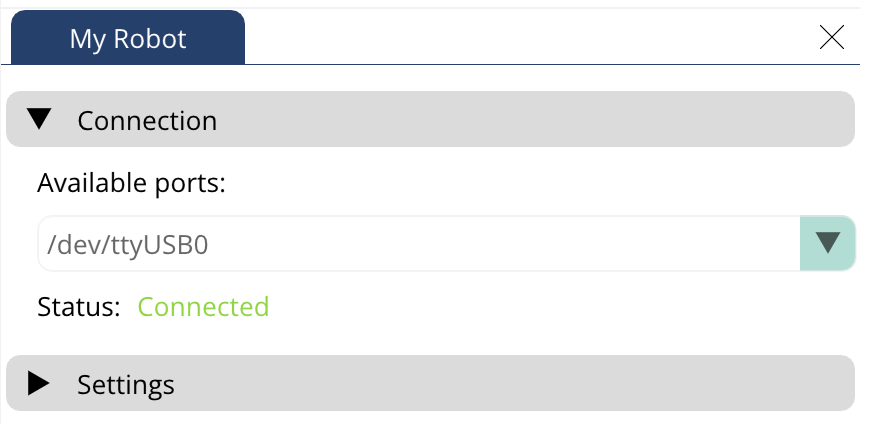
- My Robot Window: We have added a connection section. You can now connect multiple robots to your computer and choose which robot to connect to, by selecting the corresponding port.
-
Program Window: You can now duplicate, replace, and swap actions in the program window.
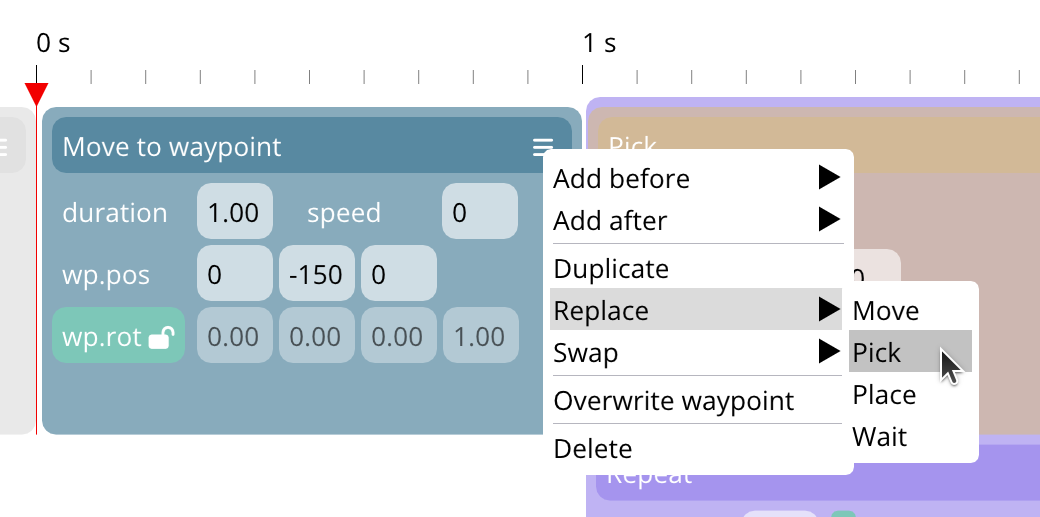
Action block options -
Program Window: You can also use buttons to swap actions.
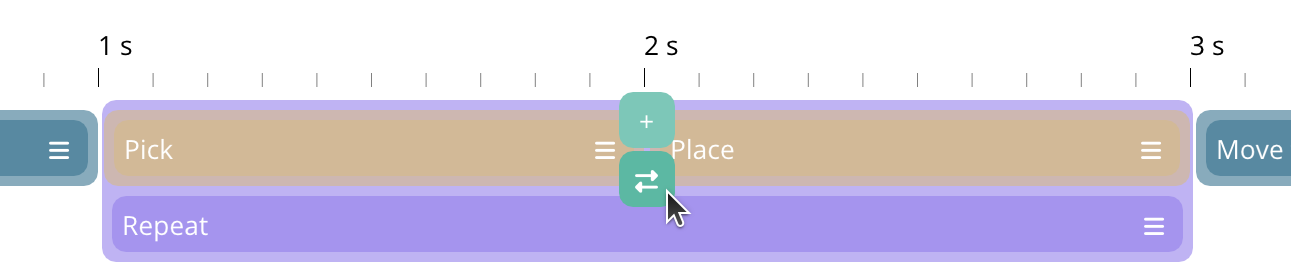
Swap action button -
Scene Graph Window: You can now click on a component or a node to highlight it in the 3D view.
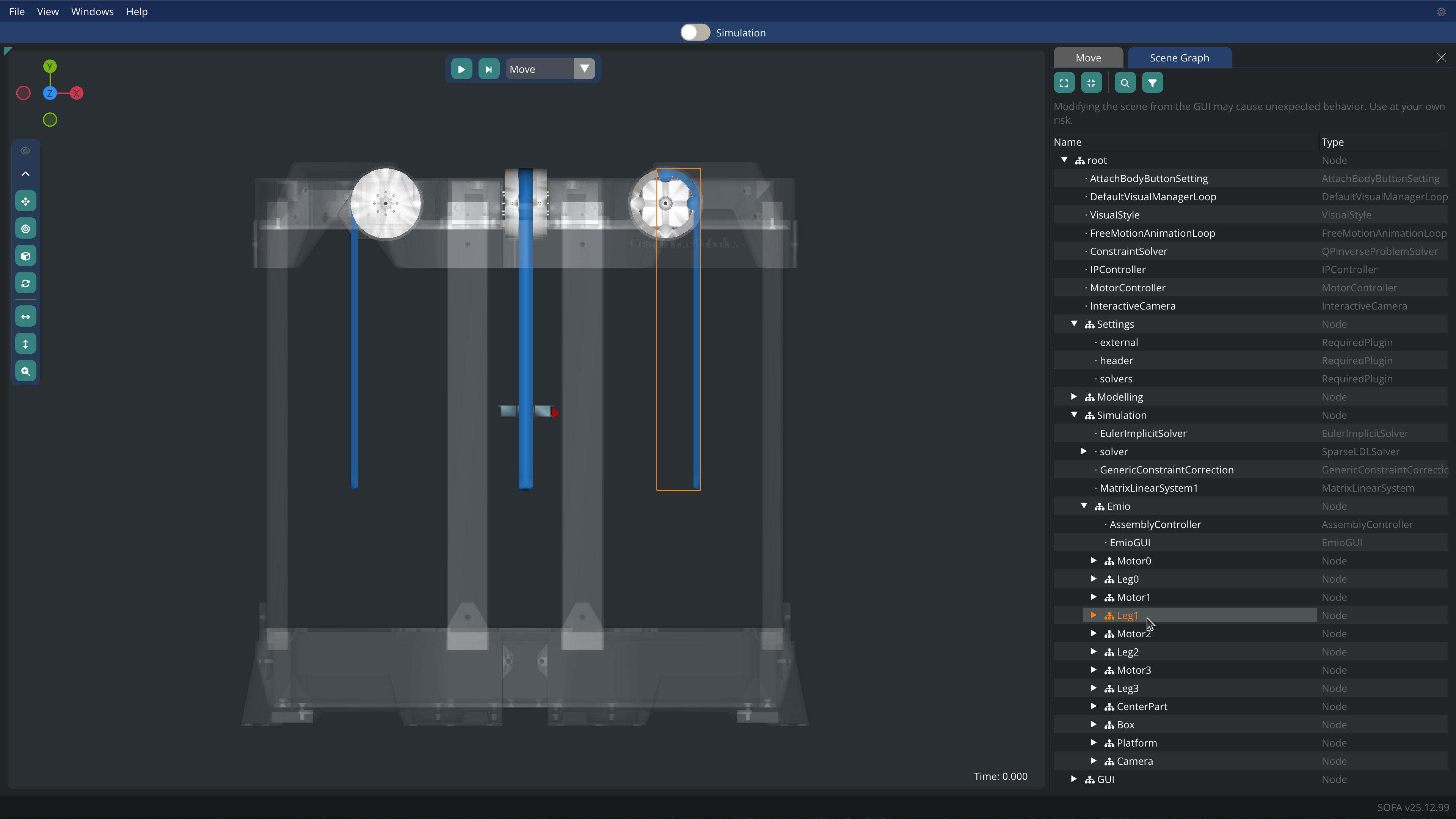
Highlight objects in the viewport
Other changes
Enhancements
- Switch to orthographic mode when aligning the camera
- Also align the grid when aligning the camera
- When saving screenshots, the name of the file now contains the date and time of the screenshot
New features
- Scene Graph Window:
- You can now filter the components by name
- We have improved the general readability of the window
- We also have improved the readability of the components and nodes window
- You can now right-click on a node or component to copy its path, deactivate or activate it, etc.
- Viewport Window:
- We have added gizmos to align, rotate the camera
- We have added buttons to center, fit, translate the camera
- We have added a button to switch between perspective and orthographic mode
Bug fixes
- We fixed some rendering issues with the program
Screenshot